
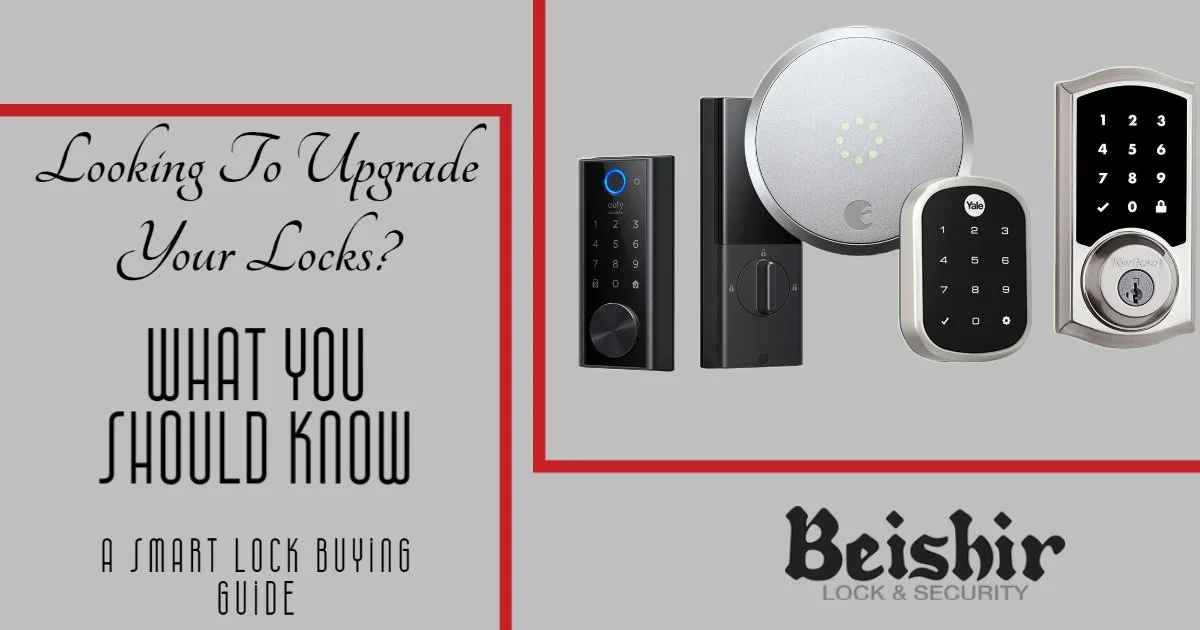
Upgrading Your Home’s Locks
If you are looking to upgrade your home security, one of the best investments you can make is a smart lock. Installing a smart lock on your door gives you advantages that boost both convenience and security. Below, we go over what to look for in our smart lock buying guide.
Why a Smart Lock?
Smart locks provide advantages that you can’t get with traditional locks. A smart lock gives you the peace of mind of knowing whether you locked your doors while you are not home. So often we are rushing on the way out. How often do you find yourself asking, “Did I remember to lock the door?” With a smart lock, it is as easy as checking your app. It doesn’t matter if you are down the street at the grocery store or across the country on a big trip.
If you decide that a smart lock is something you want to invest in, you will want to be sure to pick the right option for your needs.
What to Look For
The best option is a complete replacement. This gives you a lot more options and you will not need to worry about compatibility. You do have the option to go with a retrofit. Some manufacturers make retrofit units that clamp in place on top of your existing deadbolt, giving you some of the features of a smart lock without significant installation. However, you have to worry about whether your existing deadbolt is compatible with the smart lock you choose, and you will have limited options. That makes a complete replacement the better choice for most homes.
Functionality
Once you have decided on the type, pick the connection that fits your home. There are three main options: Wi-Fi, Bluetooth, and Z-Wave. Each comes with its own set of pros and cons. Bluetooth offers better overall battery life, but a more limited range.
Wi-Fi is a great option, but it goes through batteries faster. It does offer the greatest range, and you will have fewer worries because it works off your home signal.
The last option is Z-Wave. With Z-Wave, you need a compatible hub that the lock connects to, and it works up to around 120 feet. Additional Z-Wave devices can act like Wi-Fi repeaters and extend the range if needed.
Features
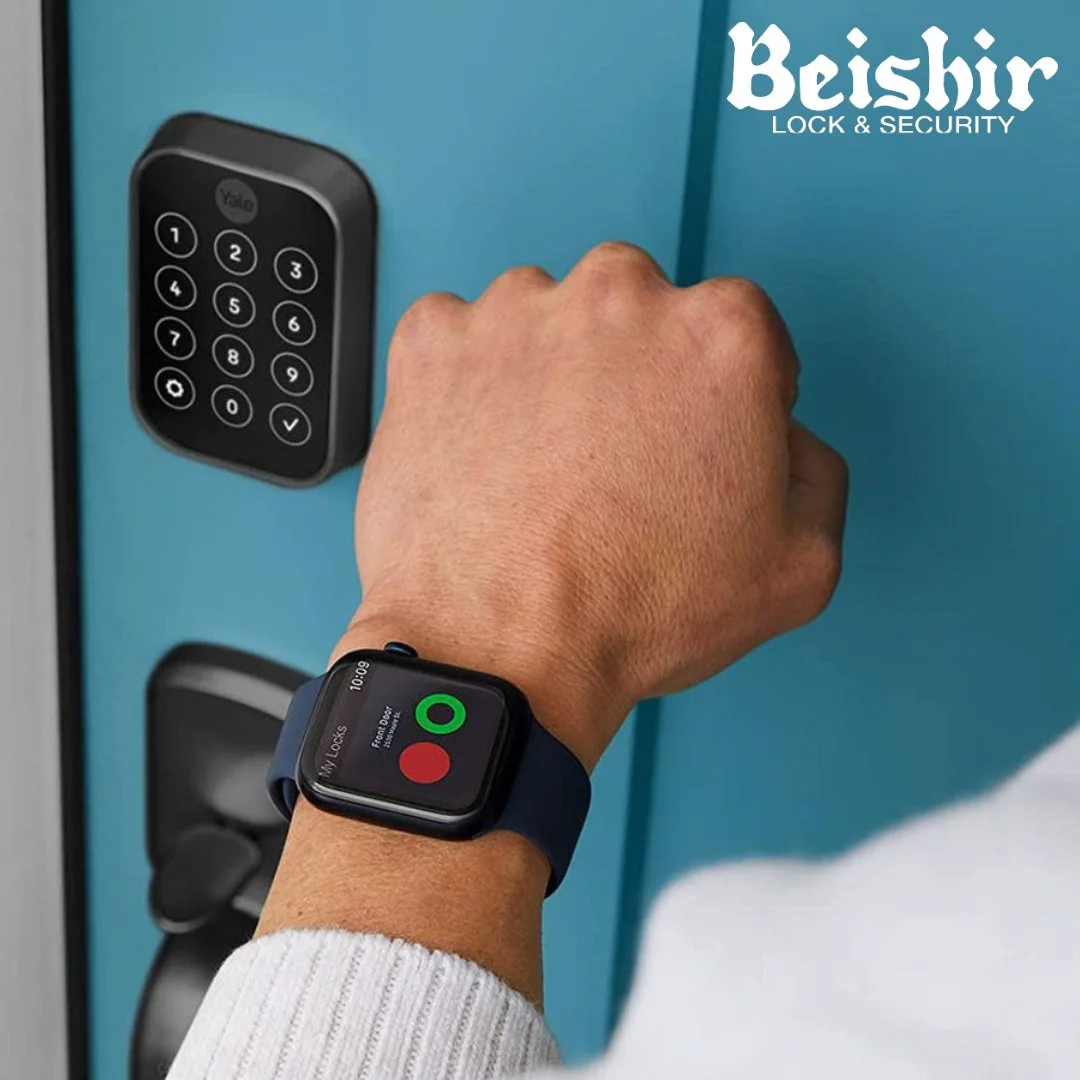
Consider the features you want and how you plan to interact with your smart lock. Are you looking for a touch pad? Something that still lets you use your key? Maybe you want to unlock with your phone or smart watch. There is even a proximity option that opens the lock when you walk up to it with your phone in your purse or your watch on your wrist. Figure out the features you want to select the right lock for you.
If we can help you find the right smart lock for your home, contact us at any time to go over the options and find the one that is best for your needs.